
RoninDojo Release v3.0.1
New Features
We have been listening. There has been a clear demand from users for our next release. Your wish is our command, and it’s an honor to serve the bitcoin community with this long awaited feature.
RoninDojo Desktop x86
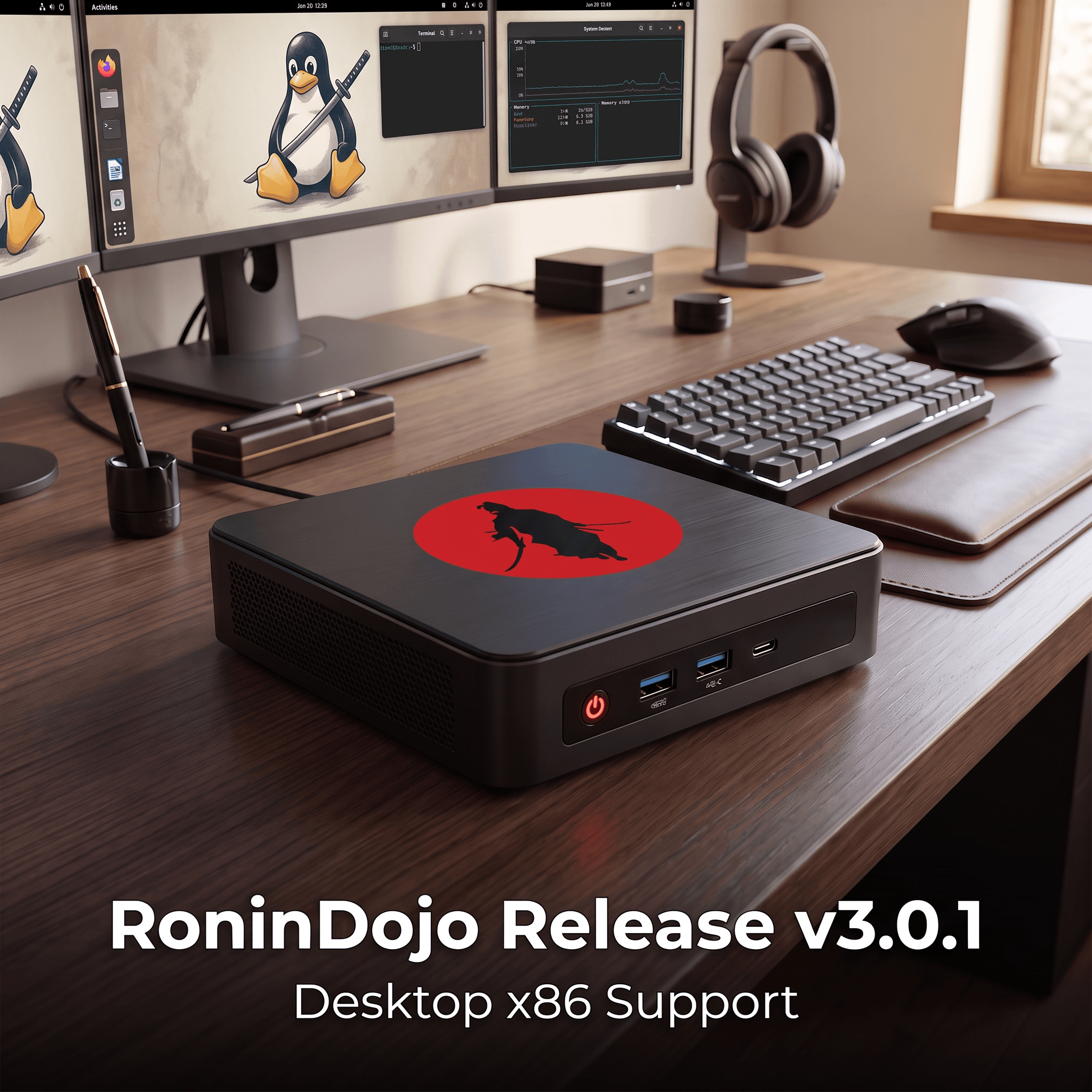
RoninDojo x86 desktop computer support has arrived! This means running the RoninDojo bitcoin node software on a regular Intel or AMD based PC is now possible, instead of just on a ARM computers such as Rock5 or Raspberry Pi.
The “x86” refers to the CPU architecture traditionally used by desktop and laptop computers. In this context, it means 64-bit architecture used by modern Intel Core and AMD Ryzen processors. Therefore, an “x86 desktop” could be a new or refurbished computer such as a Dell OptiPlex, HP EliteDesk, or Lenovo ThinkCentre, provided it has adequate storage and memory.
The main advantage of x86 over ARM devices like Raspberry Pi is that an x86 desktop generally offers more processing power, memory, storage options, and easier access to inexpensive used hardware. Unfortuantely the ARM single board computer market has suffered from the AI boom that is currently going on, and while we think the prices will come down eventually for new devices, currently the DRAM shortage is a thorn in the side of the ARM single board computer market.
Mass Compatibility
We want RoninDojo to run on everything, and this release marks the advancement towards the goal of compatibility with the most common devices that the general public uses to run bitcoin nodes.
There is now a wide variety of choice for RoninDojo to run on ARM or x86. Whether you have an x86 MiniPC from Purism or Beelink, an old laptop from Lonovo, or an ARM device like Rock5b+ or RasperryPi5 we aim to have consistent support so you can focus on using bitcoin and privacy tools.
Other Changes
We have also added some general device hardware health warnings that should help users understand if hardware is failing.
If you have a bad power cable, SSD, MicroSD card the RoninUI will now provide pop-up warnings to let you know that your hardware is causing problems such as an I/O error. This is a very helpful alert for users so they can replace something like a pesky SSD adapter without having to dig through logs to discover the problem.
x86 Build Examples
As always our docs will list example builds to give ideas for anyone that wants to spin up their x86 bitcoin node.
This is also a good time to remind users that you need at least a 2TB NVME SSD. Gone are the days of everything fitting on 1TB so make sure to upgrade storage space if needed for a smooth experience.
New MiniPC
Everyone likes a shiny new toy. It costs a bit more when you buy a new MiniPC, but performance and reliability are worth the cost.
See our docs for an example new build
Refurbished MiniPC
Some people want to save a little bit of money or repurpose an older device. You could go for a refurbish from an electronics store, or just fix up something you already have. Just make sure to follow our reccomendations on hardware before you get started.
See our docs for an example refurbish build
Install on x86
We aim to make new installs as plug and play as possible.
Head over to our docs for installation instructions.
Changelog
This release also contains various fixes and additional improvements. Here’s the list:
- Added device-health warnings in RoninUI for power, throttling, temperature, SD/eMMC, filesystem, and storage issues.
- Updated Samourai Dojo to v1.29.3.
- Added internet and captive-portal checks before installation, including automatic retry behavior for plug-and-play devices.
- Improved firewall network detection, validation, custom network persistence, and lockout prevention.
- Added AppArmor support for Tor data directories on Debian-based systems.
- Hardened Tor and nginx setup to prevent invalid hidden-service configuration from disrupting RoninUI.
- Fixed Dojo pairing payloads displayed and encoded by RoninUI.
- Fixed external Electrum Server access configuration.
- Improved failure handling and recovery for manual and plug-and-play installations.
Conclusion
It’s a thrill to expand the compatibility of our bitcoin node, and please keep the feedback and suggestions coming. Join our Matrix server and engage with fellow community members.
RD Team Lead